The Sunshine Jewelry catalog is the live online collection on the View all products page, not a fixed printed list. The fastest way to use it is to choose a product type, narrow by style or occasion, apply the available category and price tools, and then verify each finalist on its own product page. That sequence keeps a large selection manageable and prevents a polished photo from replacing the details that actually affect fit, wear, and ordering.
This guide is for U.S. shoppers who want to browse Sunshine Jewelry with a clear plan. It explains where to start, what the catalog’s controls can and cannot tell you, how to read product photos, and how to create a fair shortlist. Because selection, prices, availability, and policies can change, treat the live product and policy pages as the final source at the time you order.
Narrow by intent: everyday wear, romance, celebration, statement style, or a specific recipient.
Verify, do not infer: confirm material, stone description, dimensions, options, and care information in writing.
Compare consistently: judge two or three finalists with the same checklist before deciding.
What the Sunshine Jewelry catalog includes
In this guide, “catalog” means the store’s current browseable product collection. The main navigation separates the collection into product types such as rings, necklaces, earrings, and bracelets. It also provides paths for sets, gifts, colored jewelry, and curated series. These paths overlap by design: one piece may fit a product category, an occasion, and a style collection at the same time.
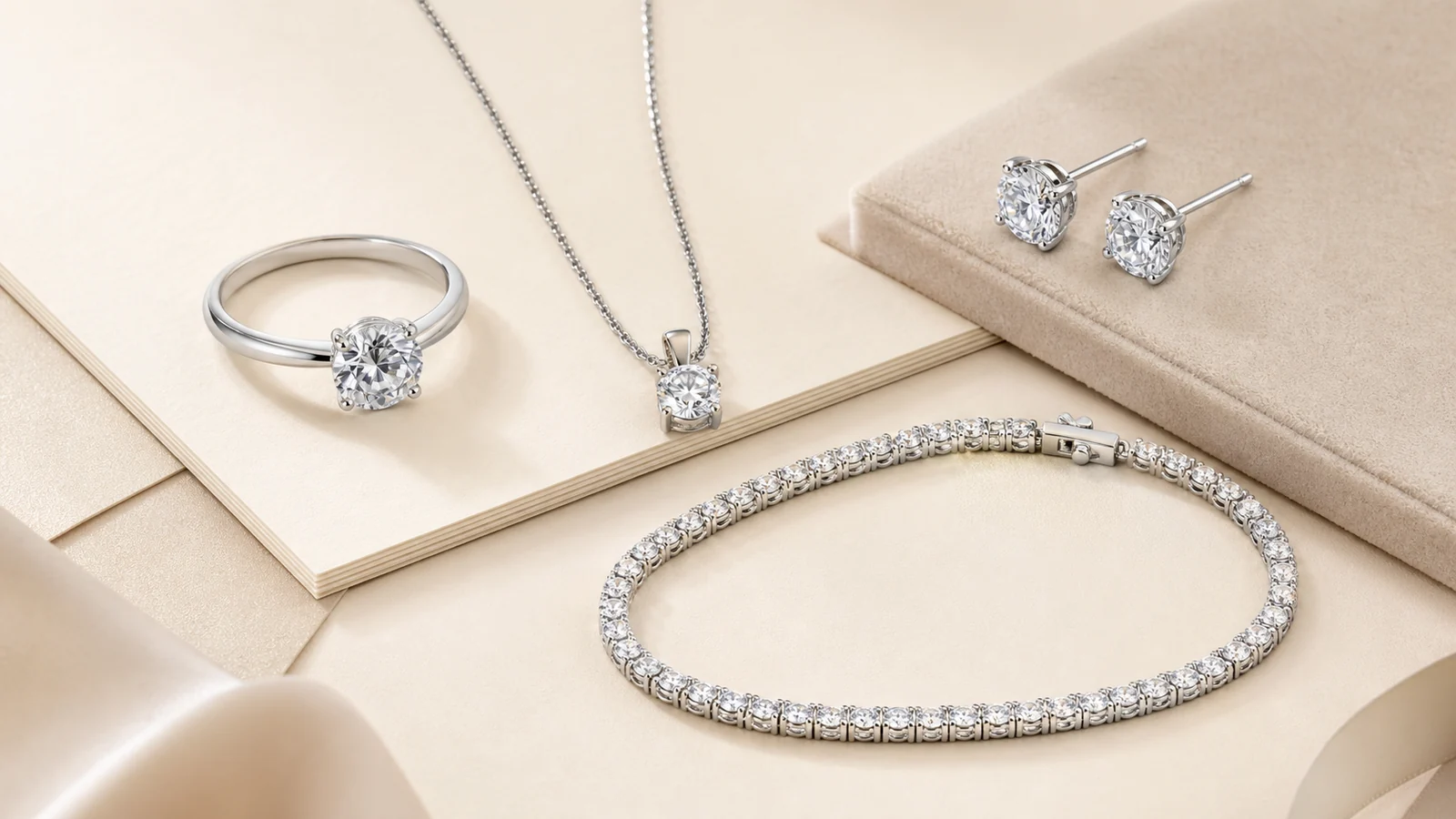
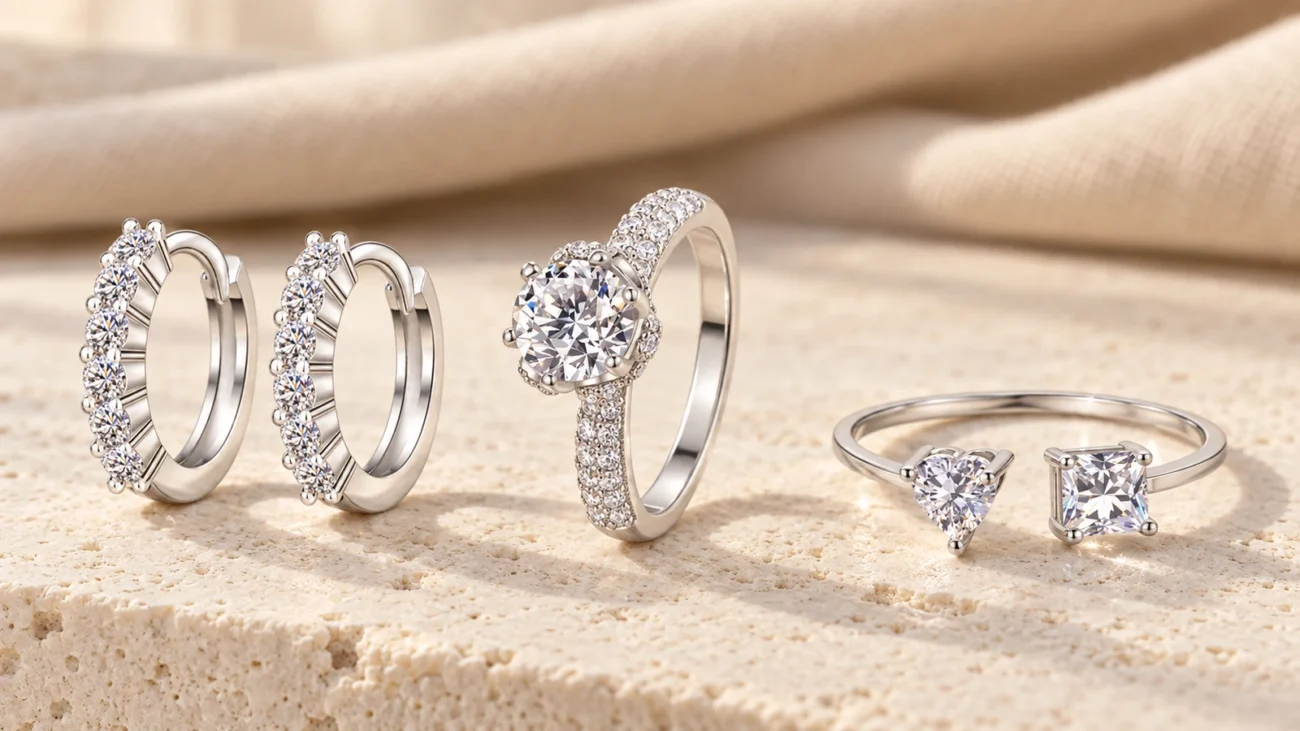
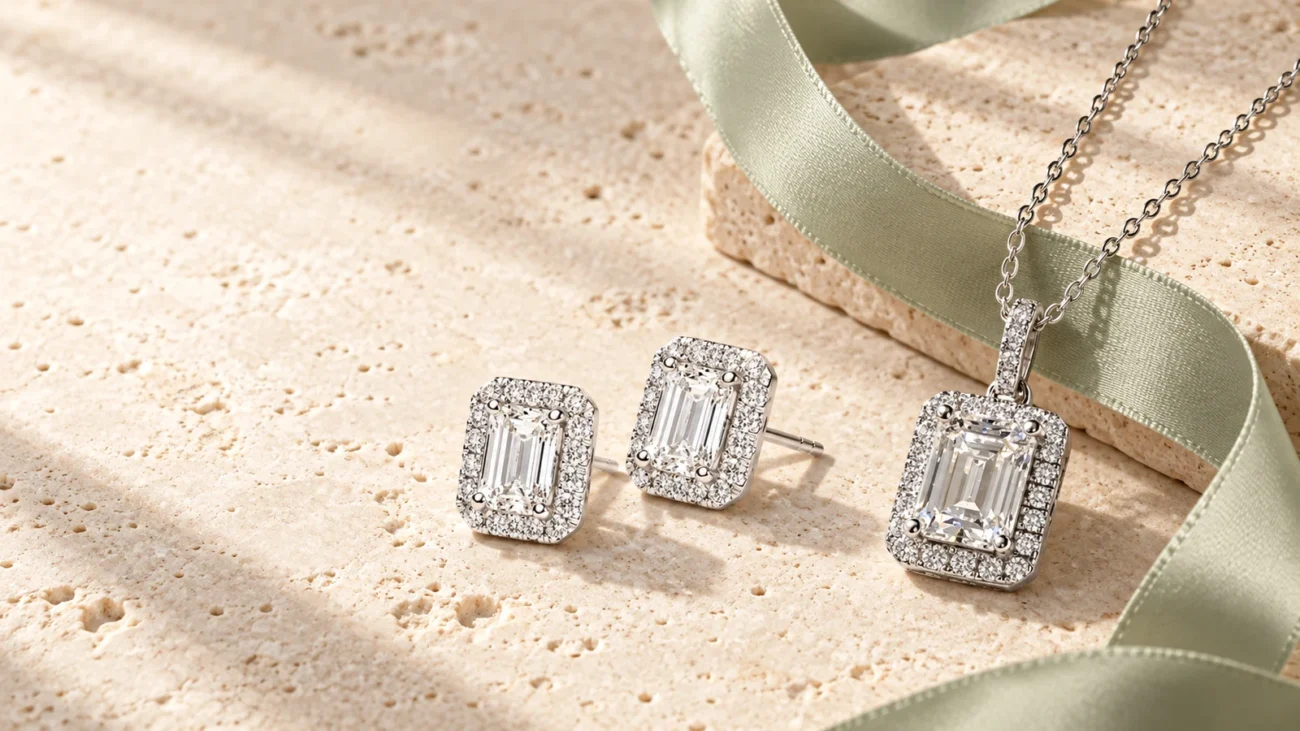
Start with the product type that best matches how the piece will be worn. The image is a generic illustration, not a product listing.
Product type answers the first practical question
A product type is more useful than a broad aesthetic when fit is important. A ring requires size and profile checks. Earrings require attention to drop, post or closure, and weight if provided. A necklace decision depends on chain length, pendant scale, and how the piece sits at the neckline. A bracelet needs wrist fit, closure, and movement checks. Starting with the body location therefore removes many irrelevant choices before you compare motifs or sparkle.
Style and occasion create a second path
If the product type is open, begin with the reason for shopping. The live catalog includes gift-oriented paths and style groupings, while its main navigation also exposes subcategories such as engagement, floral, heart, stackable, statement, wedding, pendant, tennis, drop, hoop, and stud designs. A gift path can be useful when the recipient is known but the jewelry type is not. A motif or silhouette path is better when you already know the visual language you want.
Choose a catalog path from the way the jewelry will be used
Before opening many product tabs, write one sentence that defines success: “a low-profile ring for frequent wear,” “small studs for a first jewelry gift,” or “a pendant that works with an open neckline.” This sentence becomes a filter for every later decision. It also separates genuine needs from attractive details that may not suit the wearer.
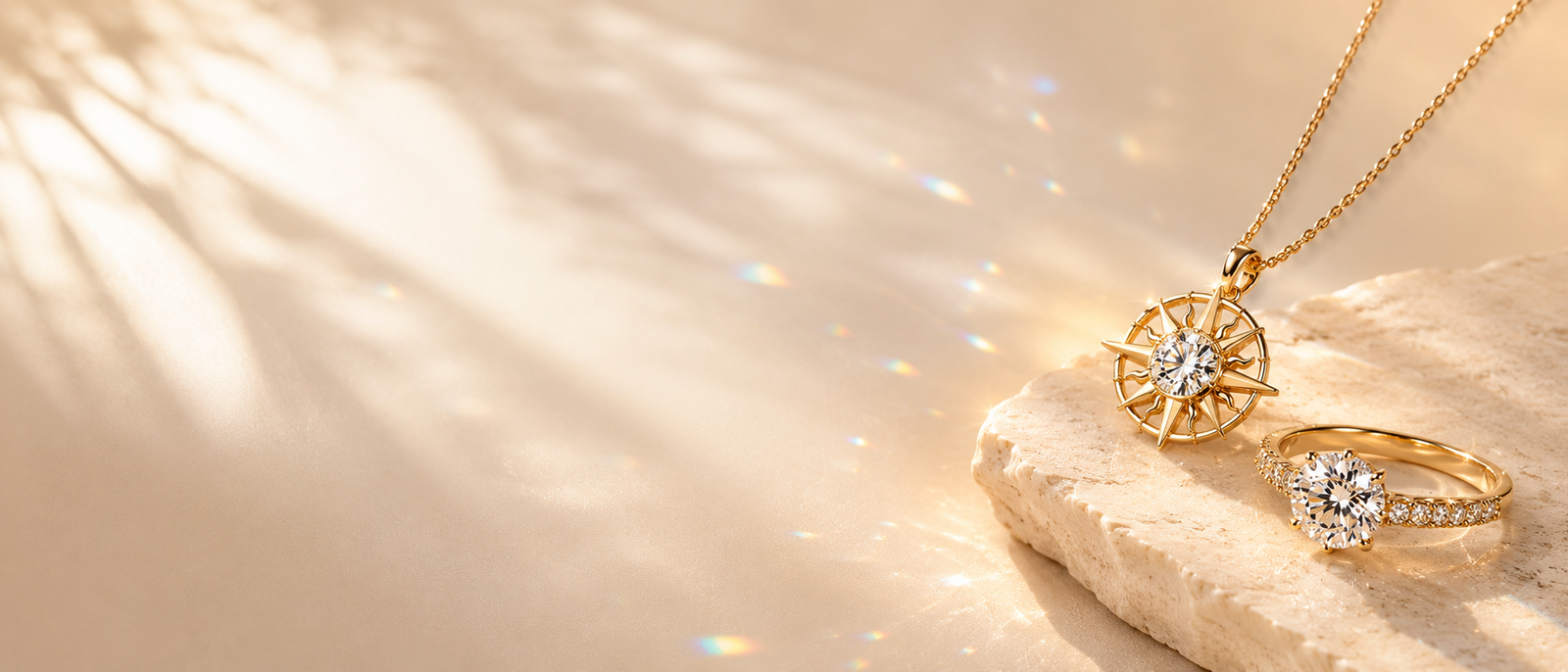
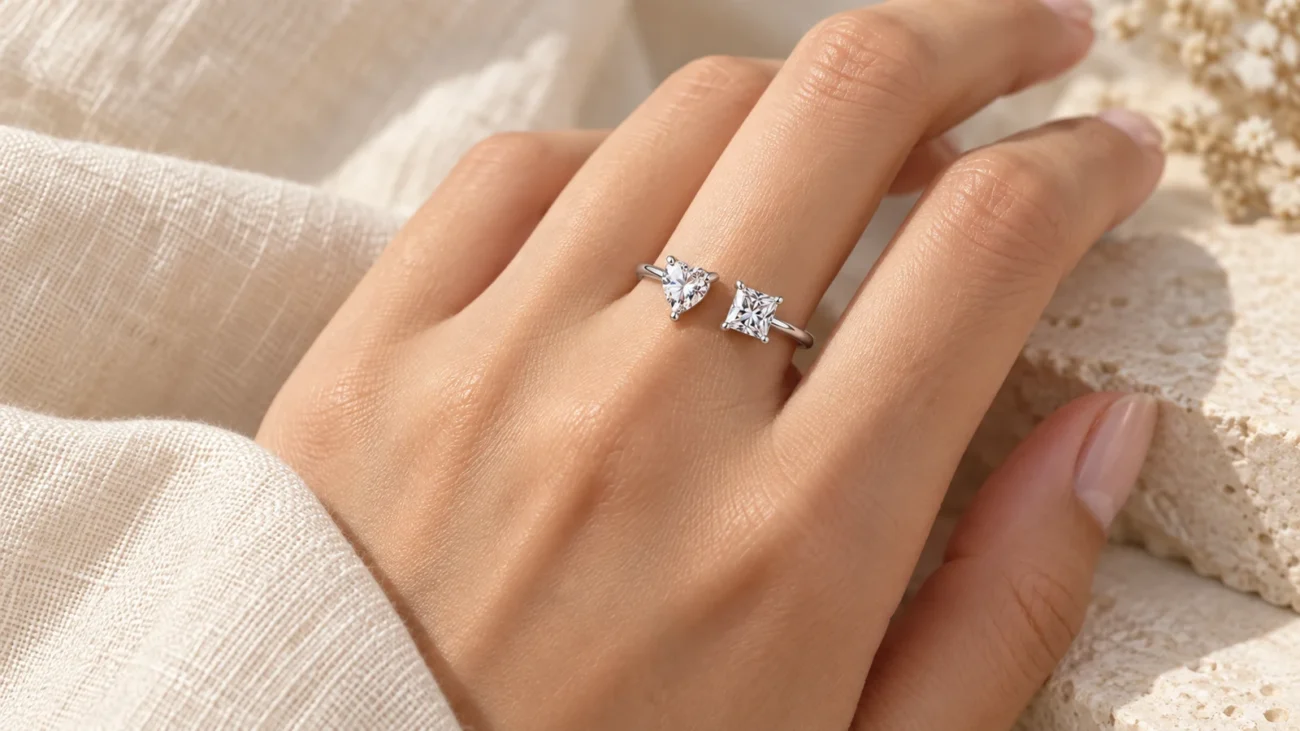
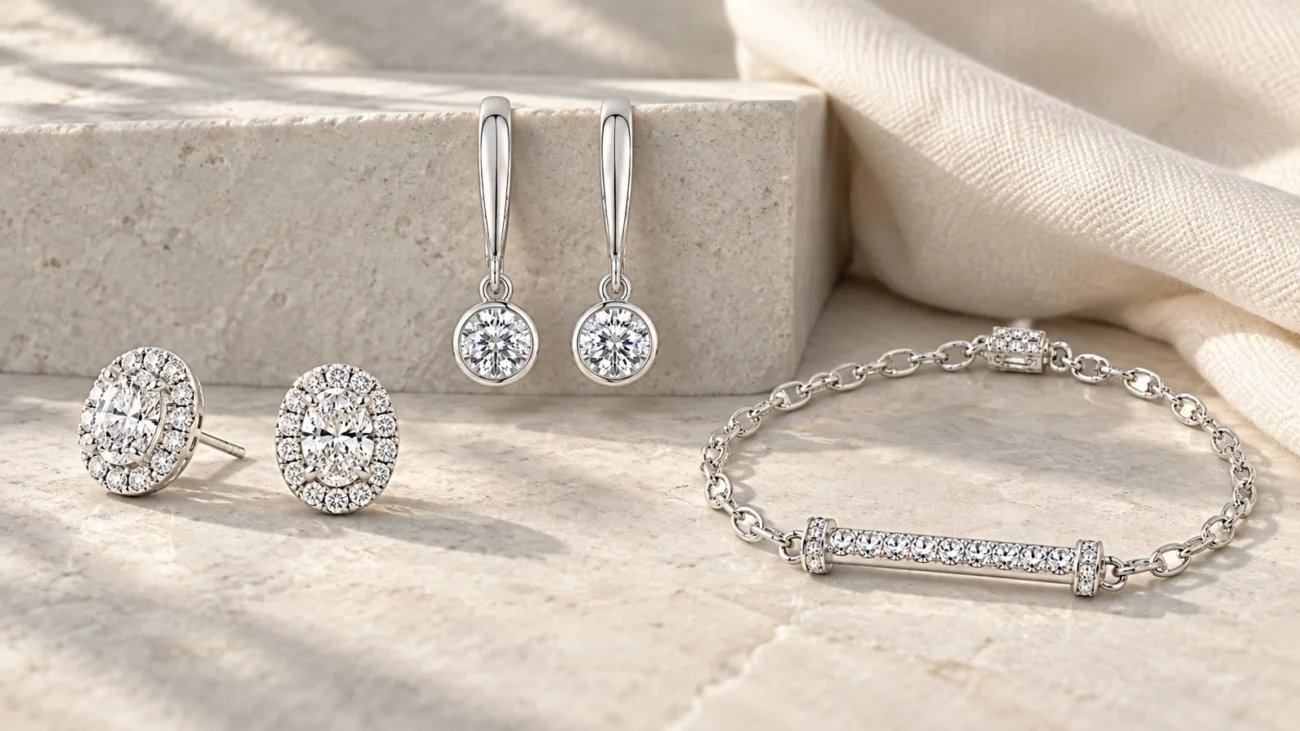
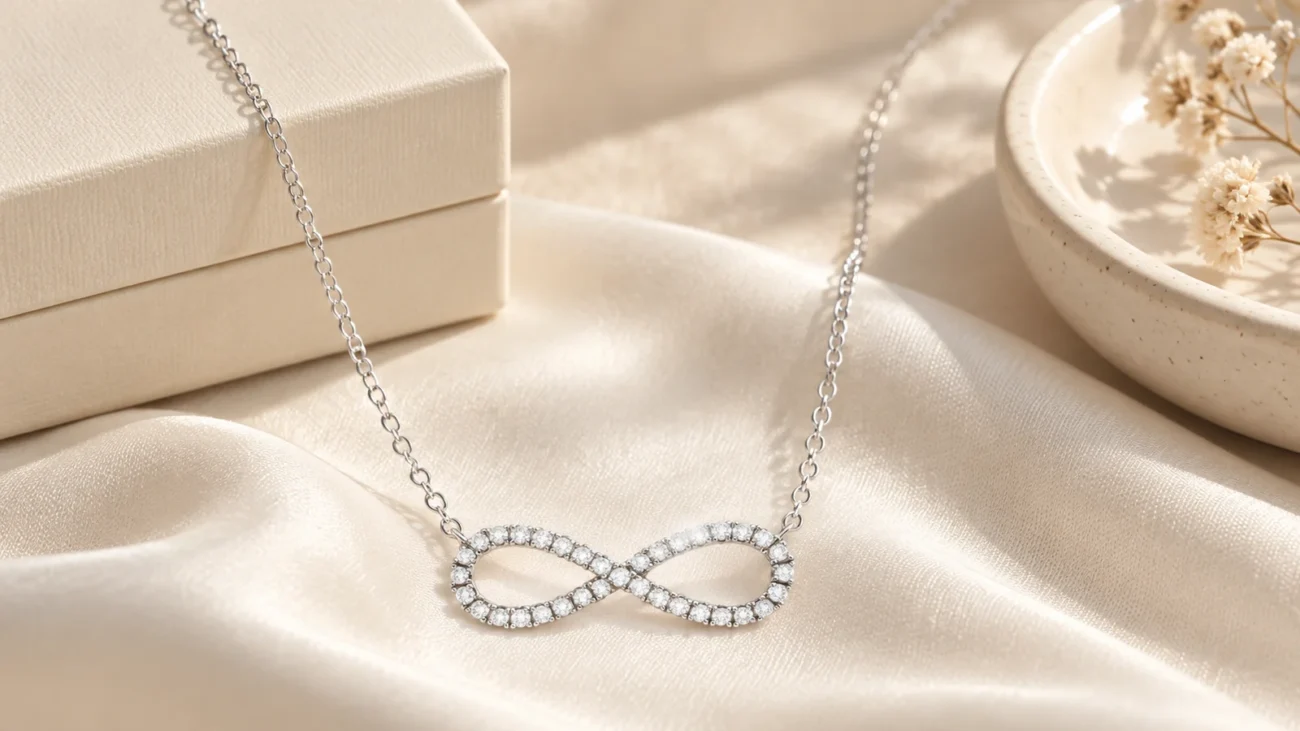
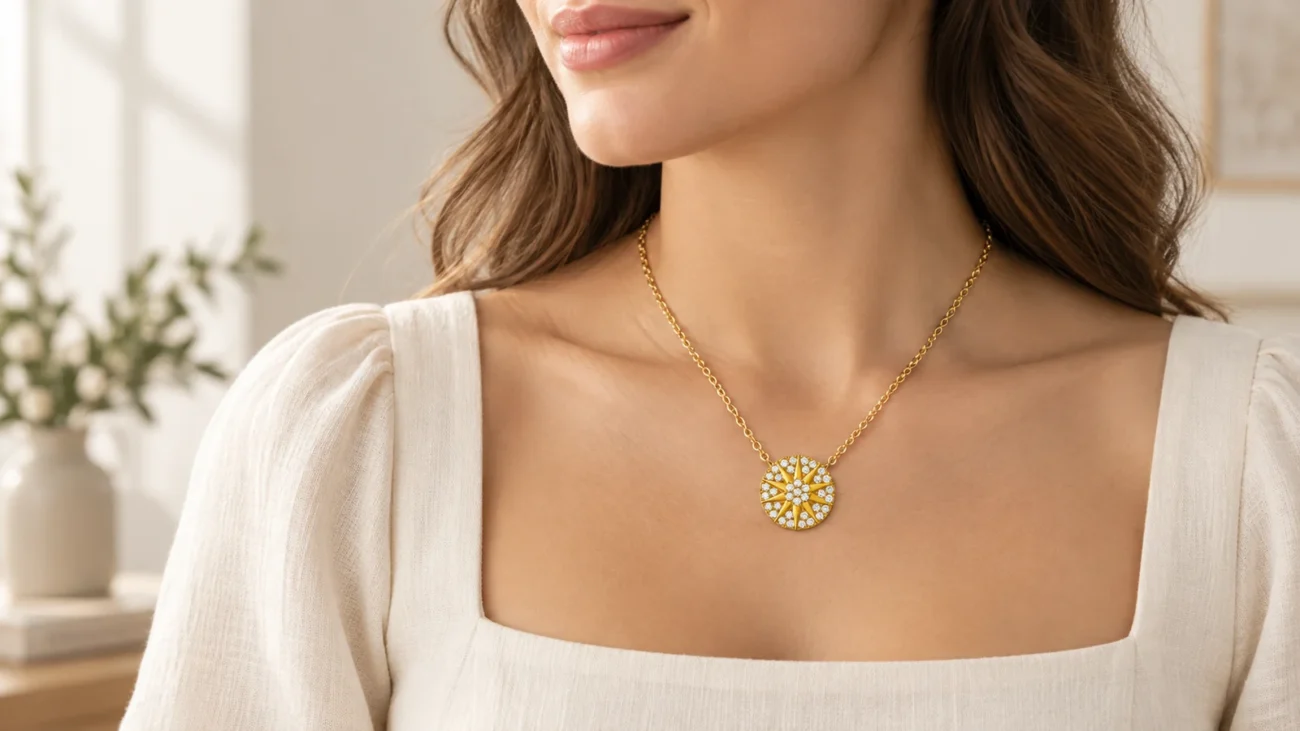
Everyday, romantic, and statement directions can narrow the catalog before product specifications are compared. These are generic design concepts.
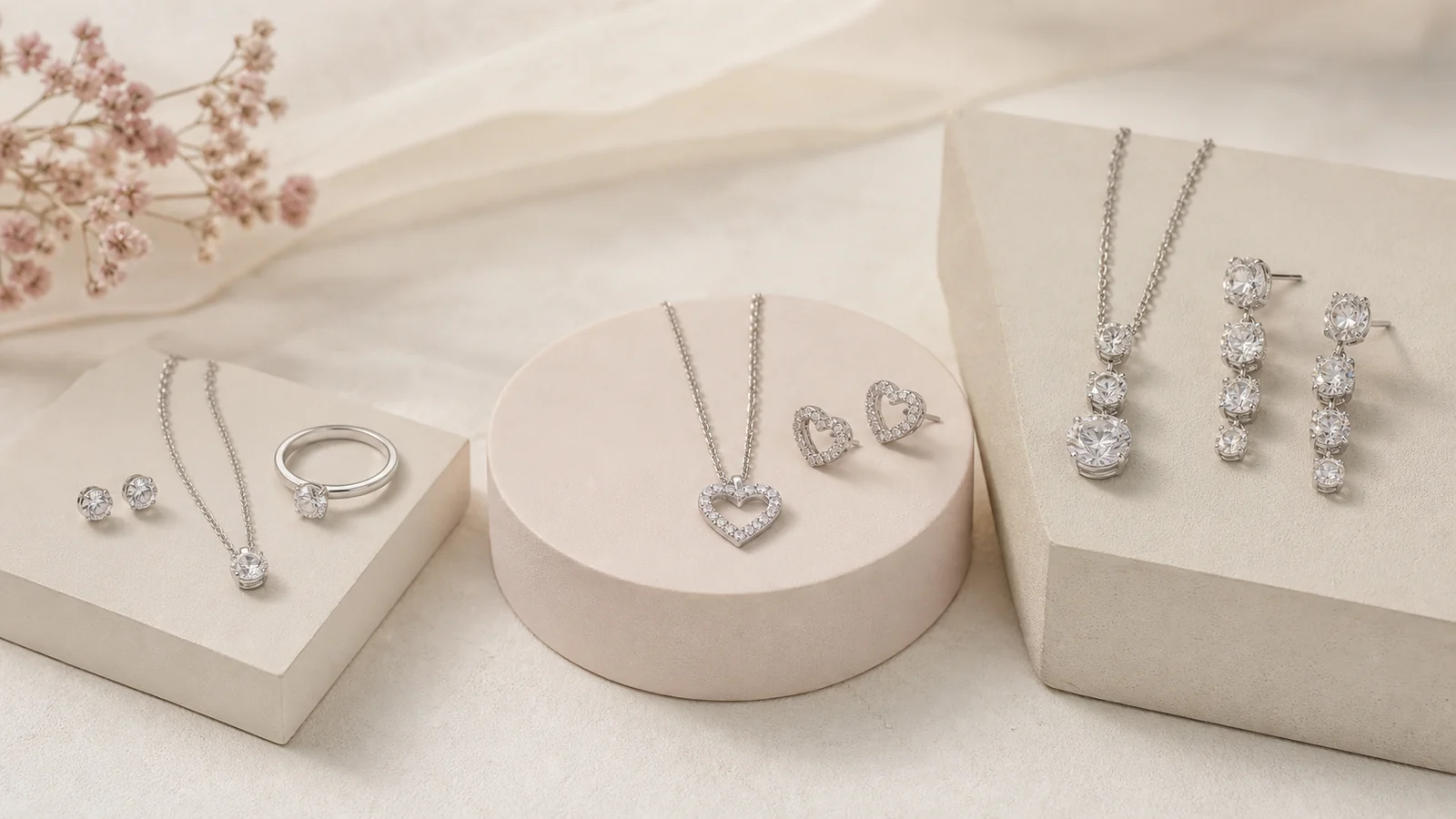
Metal color, stone description, proportions, and whether pieces are sold together
For a more detailed styling method, the everyday jewelry capsule guide explains how different pieces can take distinct roles without competing. That article addresses coordination; this catalog guide addresses finding and checking candidates.
Use search, filters, and sorting in the right order
The catalog’s search prompt supports terms related to style, product name, category, or occasion. Its browse page also exposes category selection, a price range, and sorting choices such as newest, best selling, top rated, and price order. Each control answers a different question, so stacking them deliberately is more effective than changing several at once.
Search or choose a main category. Use a simple phrase such as “stud earrings,” “pendant necklace,” or “wedding ring.” Avoid a long sentence that may be too narrow.
Open one relevant subcategory. This removes unrelated silhouettes while keeping enough variety to compare.
Set a price range only after the category is useful. Price can narrow choices, but it does not confirm material, size, or suitability.
Use sorting to change the view, not the facts. “Newest” and “price low to high” reorganize results; they do not establish quality or fit.
Reset a filter that produces confusing results. A clean category view is easier to interpret than several hidden constraints.
Product counts and availability are live values. A category that looks large today may change, and a chosen variation can affect availability or price. Record the product name or code from the actual listing if you need to return to it later; do not rely only on its position in a sorted grid.
Read catalog photos as evidence with limits
Photos are most useful for shape, relative proportion, setting style, chain structure, clasp type, surface finish, and visible color. They are less reliable for exact size, true color under different lighting, weight, comfort, or gemstone identity. A highly enlarged image can make a small detail appear dominant, while a lifestyle image may not provide a precise scale reference.
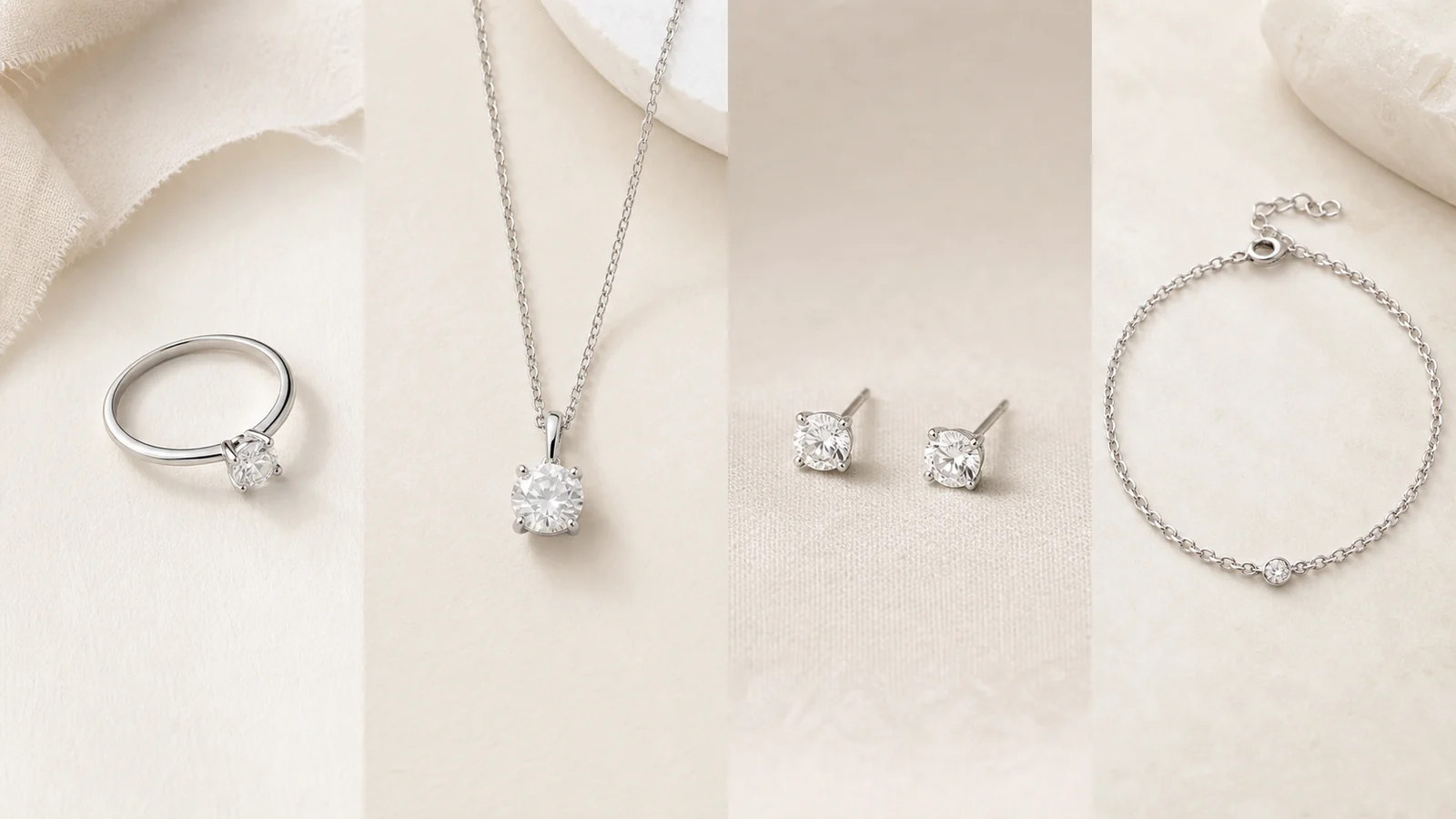
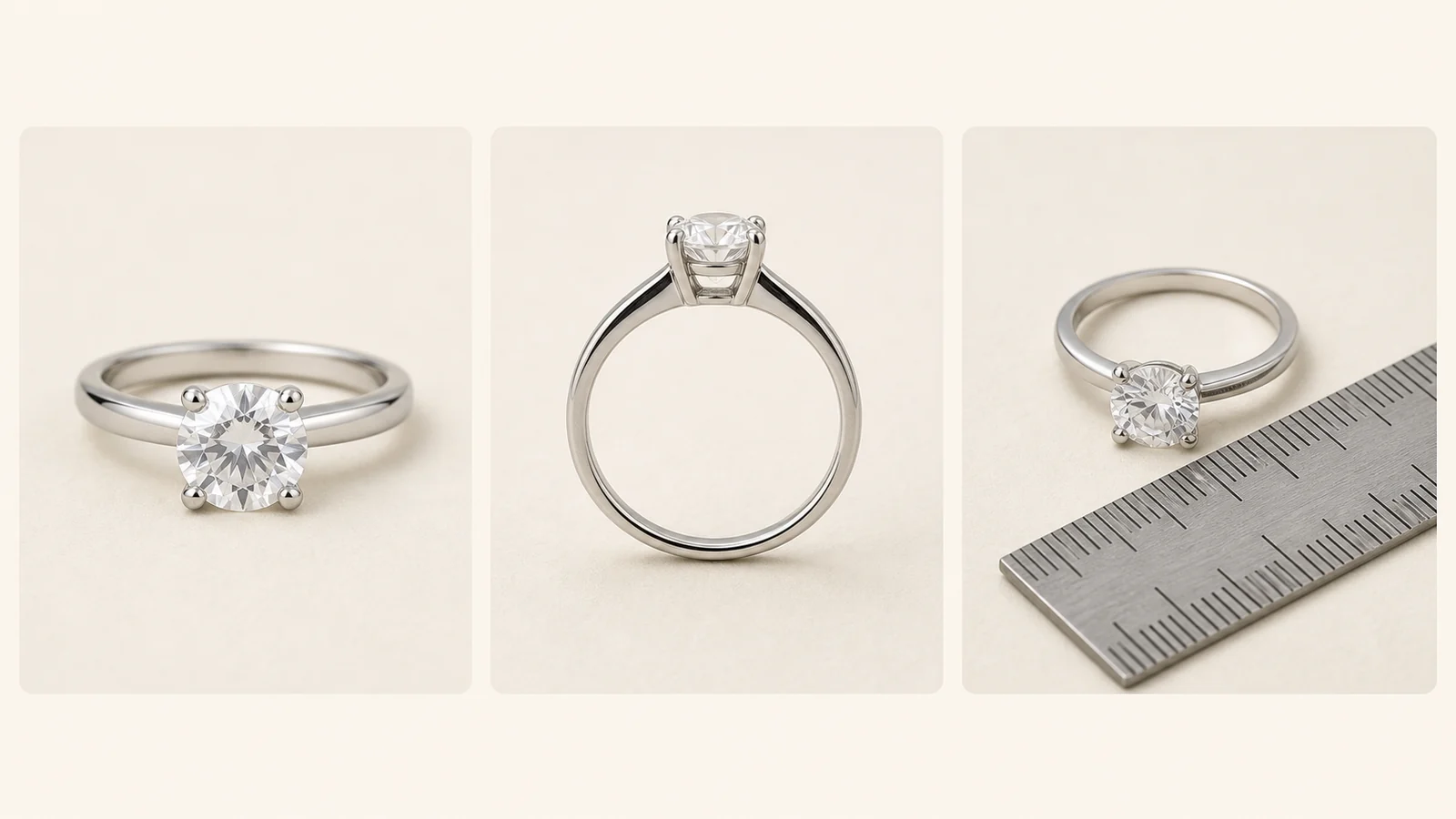
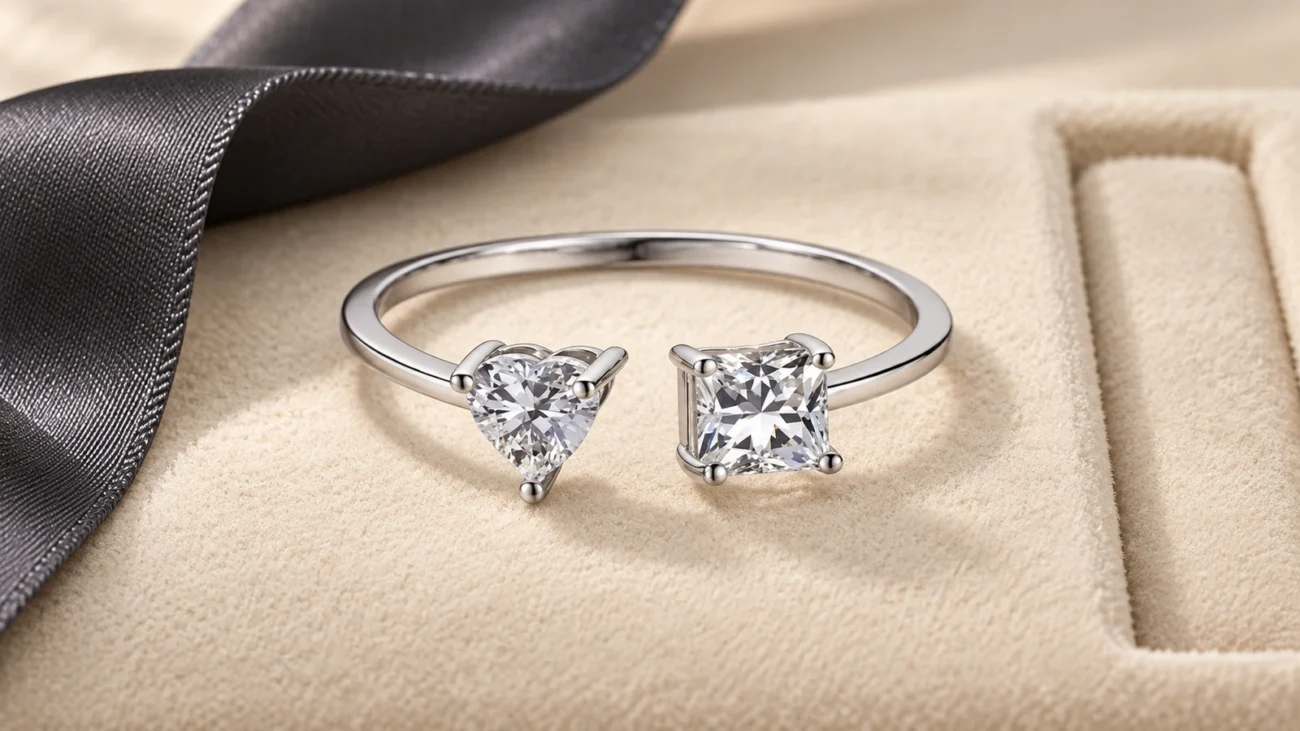
Front, side, and scale-context views answer different questions. This generic ring is not a Sunshine Jewelry product.
Use three photo questions
Front view: What is the outline, motif, stone arrangement, and visible finger or body coverage?
Side view: How high is the setting, how are stones held, and are there edges or projections that could catch?
Context view: Is there a wearer, ruler, hand, neckline, ear, or other useful reference that helps interpret scale?
If an angle is missing, treat the missing information as unknown. Do not assume the unseen side is identical, that a chain is included, or that the photographed color will match every screen. Generated images in this article are educational illustrations only and must not be used to infer anything about a catalog item.
Verify the written product details before comparing value
A product title is a starting point, not a complete specification. Open the individual listing and look for the written material description, stone description, dimensions or size options, plating or finish when stated, package contents, variation choices, and care guidance. If a required fact is absent, ask the store before ordering rather than filling the gap from appearance.
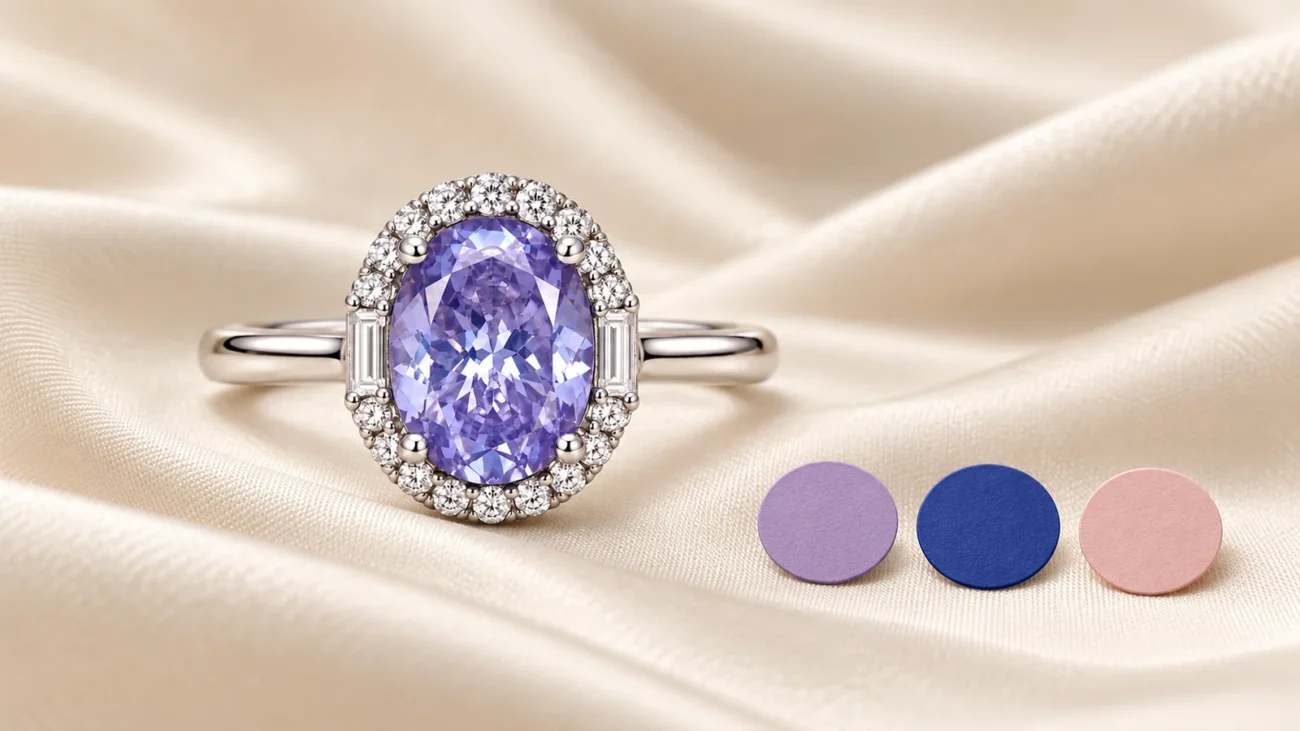
Written specifications are the appropriate source for material and measurement claims; the objects shown here are generic.
Keep metal marks and gemstone claims separate
An “S925” or “925” description refers to a silver fineness mark; it does not identify the gemstone. A clear stone in a photo could represent different materials, and color alone is not proof. Confirm the stone name in the listing. If moissanite grading or report information matters to your decision, the moissanite certificate guide explains which report details to read and which conclusions a document can support.
Compare total requirements, not one attractive number
Price is meaningful only after the candidates meet the same need. A lower-priced piece is not automatically the better match if the size, closure, finish, or included components differ. Likewise, a higher price does not by itself prove a particular material or performance level. Compare what is explicitly offered, choose the correct variation, and review the final cart details.
Build a three-item shortlist
Once the catalog is narrowed, stop opening more tabs and select up to three candidates. Use the same fields for every item. A small shortlist exposes missing information and reduces the chance that one dramatic photo controls the decision.
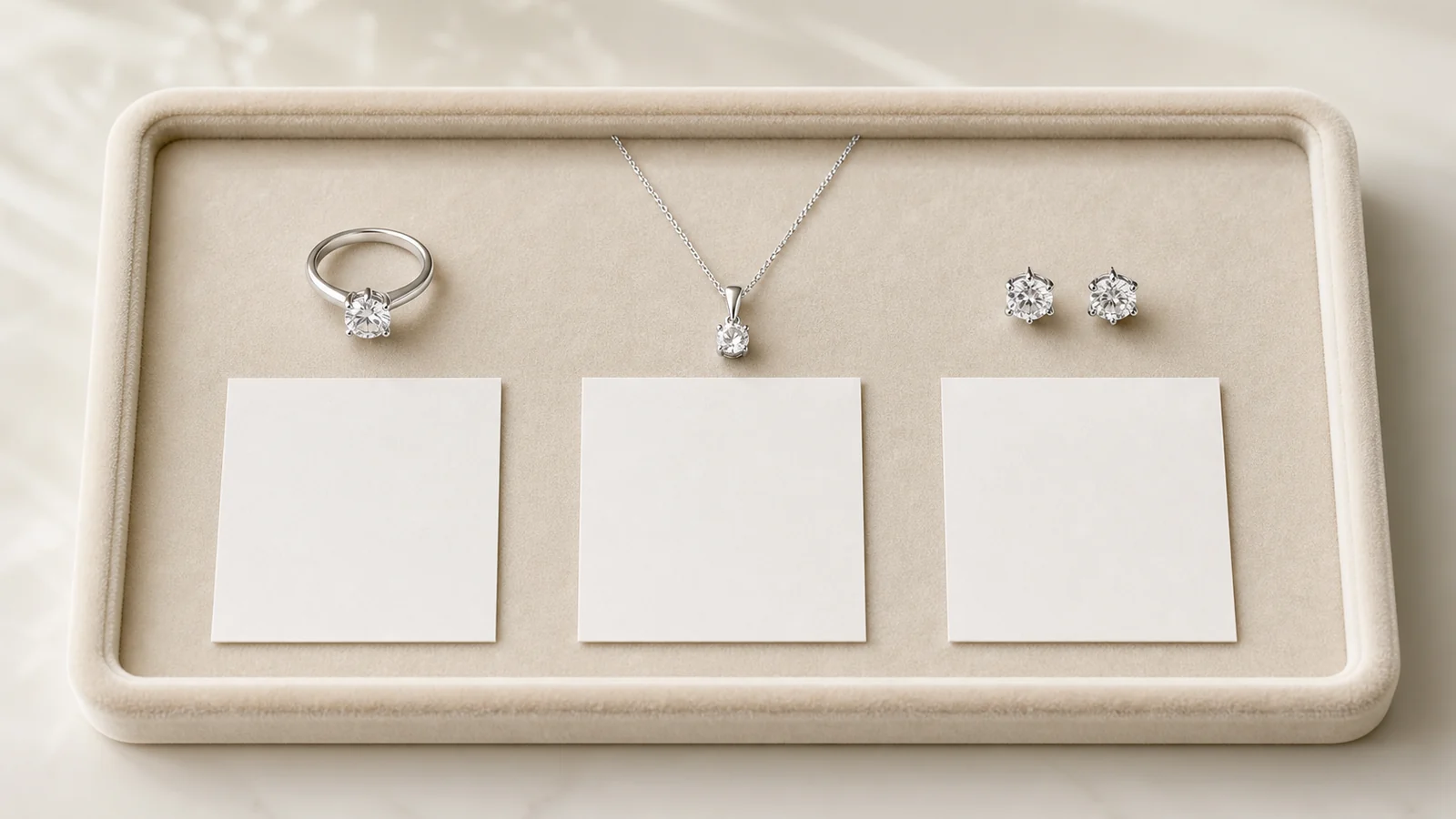
A consistent three-item shortlist is easier to review than a long group of unrelated favorites.
Comparison field
What to record
Why it matters
Purpose
Everyday, gift, occasion, or statement
Keeps the selection tied to the original need
Product facts
Written metal, stone, dimensions, options, and included items
Prevents assumptions based on photography
Fit risk
Ring size, length, closure, profile, or scale uncertainty
Shows what must be confirmed before checkout
Price and availability
Selected variation’s live price and status
Uses comparable, current values
Open question
One missing fact that could change the decision
Creates a clear reason to contact the store
Check ordering information on the live site
Before payment, review the selected variation, quantity, destination, and any time-sensitive need. Then read the current shipping policy and refund policy. Policy names alone do not answer every situation: confirm the terms that apply to the specific product, destination, customization status, and timing. If anything remains unclear, use the contact page before ordering.
Save the product URL and a copy of the order details you actually selected. A catalog grid can change as products are added, removed, or reordered. The individual listing and order confirmation are more reliable references than a screenshot of the broader category page.
Sunshine Jewelry catalog FAQ
Is there a Sunshine Jewelry catalog online?
Yes. The store’s live View all products page functions as the online catalog. It can be browsed by category and refined with the controls currently shown on the page.
Can I browse Sunshine Jewelry by product type?
Yes. The catalog provides paths for rings, necklaces, earrings, bracelets, sets, and other groupings. Each main type also exposes more specific subcategories when available.
Are Sunshine Jewelry catalog photos exact size?
Do not assume that an enlarged product photo is exact size. Use written dimensions, listed size options, and any real scale reference supplied on the product page. Ask for clarification when scale is important and the listing is incomplete.
Does S925 tell me which gemstone is used?
No. S925 is a silver fineness mark, not a gemstone name. Confirm the stone identity in the written product description; appearance alone is not enough.
How should I compare two catalog items?
Compare the same fields: intended use, written material and stone details, dimensions, fit or closure, selected variation, live price, availability, and any unanswered question. If one item lacks a required fact, resolve that gap before ranking it.
A clear way to finish your catalog search
Begin with one use case, choose one catalog path, and reduce the results to three candidates. Then verify photos against written specifications, check live ordering information, and contact the store about any fact that could change the choice. This method makes the Sunshine Jewelry catalog easier to navigate while keeping the final decision grounded in current product pages rather than assumptions.